Lesson 12 - Impersonation & Fake Support
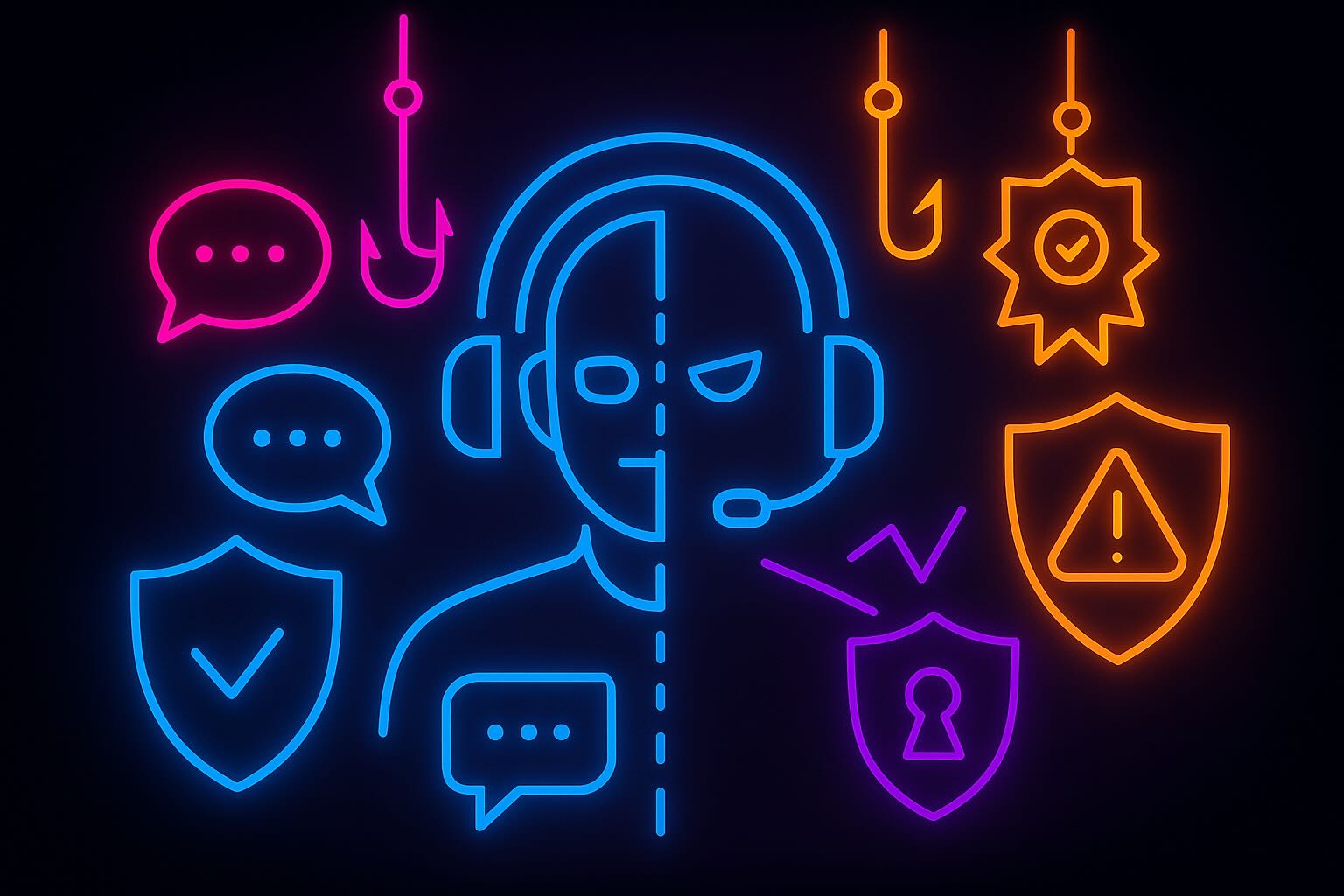
How it works: Scammers pose as wallet/exchange support in DMs, search ads, or community servers. They gain trust with logos and names that look official, then ask for a seed phrase/passphrase, push you to screen-share, install remote-control tools (AnyDesk/TeamViewer), or sign a broad token approval under the label of “verification.” Some spin a scare story (“account at risk”) to rush you; others offer white-glove help right when you post a question.
Spot it
- “Support” contacts you first (DM, reply, or phone/text). Real support stays inside official channels and won’t reach out uninvited.
- Search results with Ad tags, look-alike domains, or unofficial portals for tickets/live chat.
- Requests for seed phrase, secret recovery phrase, private key, screen-share, remote control, or a test transaction/approval.
What to do
- Start from the official app/site only (Help/Support link). Ignore DMs. Bookmark official domains and use those bookmarks.
- Never share seeds, passphrases, or screenshots of them. Never remote-share your wallet or sign unknown approvals.
- If you engaged: cut contact, move assets to a new wallet, revoke approvals, rotate exchange passwords/2FA/API keys from a clean device, and report the handle/domain.
How It Plays Out
You have a stuck swap and type a quick plea in a community chat: “MetaMask pending for 40 minutes—help?” A user named @Support-Ethan replies in seconds with a badge-like avatar and a warm tone: “I can resolve this. DM me.” In the DM, he asks for a screenshot, then for a quick screen-share so he can “check gas settings.” A minute in, he drops a link to AnyDesk—“industry standard, totally safe.” The cursor feels like a hand on your wrist.
Another time, you Google “MetaMask support” and click the top result without noticing the Ad tag. The page is a perfect imitation. A chat bubble opens and the agent says the account needs re-verification. They ask for your Secret Recovery Phrase or offer a QR code that opens WalletConnect and requests setApprovalForAll, wrapped in friendly text: “enable secure mode.” When you hesitate, the agent pastes a paragraph about accounts being locked within the hour to prevent loss.
If you took one step too far, don’t bargain—reset custody. On a clean device, create a new wallet and move assets immediately. Visit an approval viewer to revoke token allowances touched during the session. In exchanges, rotate passwords and 2FA seeds (not just the app), and recreate API keys with withdrawals disabled and IP allowlists. Report the impostor handles and the ad link so the next person doesn’t stand where you stood.
Pocket anchors: Real support doesn’t DM first, doesn’t need your seed, and doesn’t remote into your wallet. Bookmarks over search. Approvals are power—sign only on official flows you initiated.